
Drop anything in chat. Maritakes it from there.
Documents read, photos studied, voice notes heard. The meaning lives in her memory, ready when you ask weeks later.
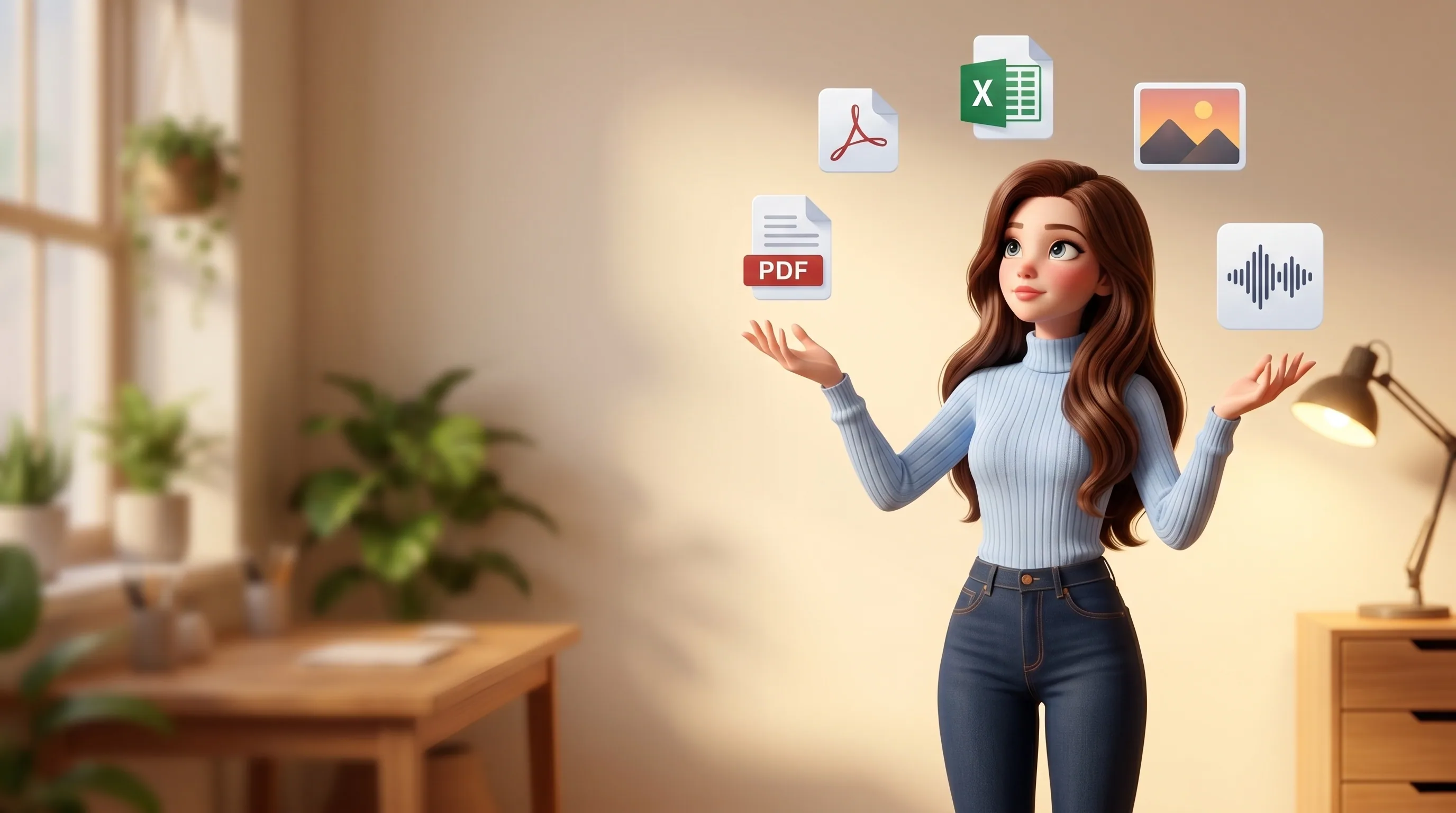

Drop it into Telegram or WhatsApp. She picks it up like a person would.
Send Mari a PDF, a DOCX, an XLSX, a photo, a voice note, a CSV, a Word doc, a PNG, a JPG. Through her bot in Telegram, through her account in WhatsApp, through your own connected Telegram, or by drag-and-drop in the web cabinet. Up to 1 GiB of storage per owner. She receives the bytes, posts a quick acknowledgement and gets to work. Nothing waits on you tapping anything else.
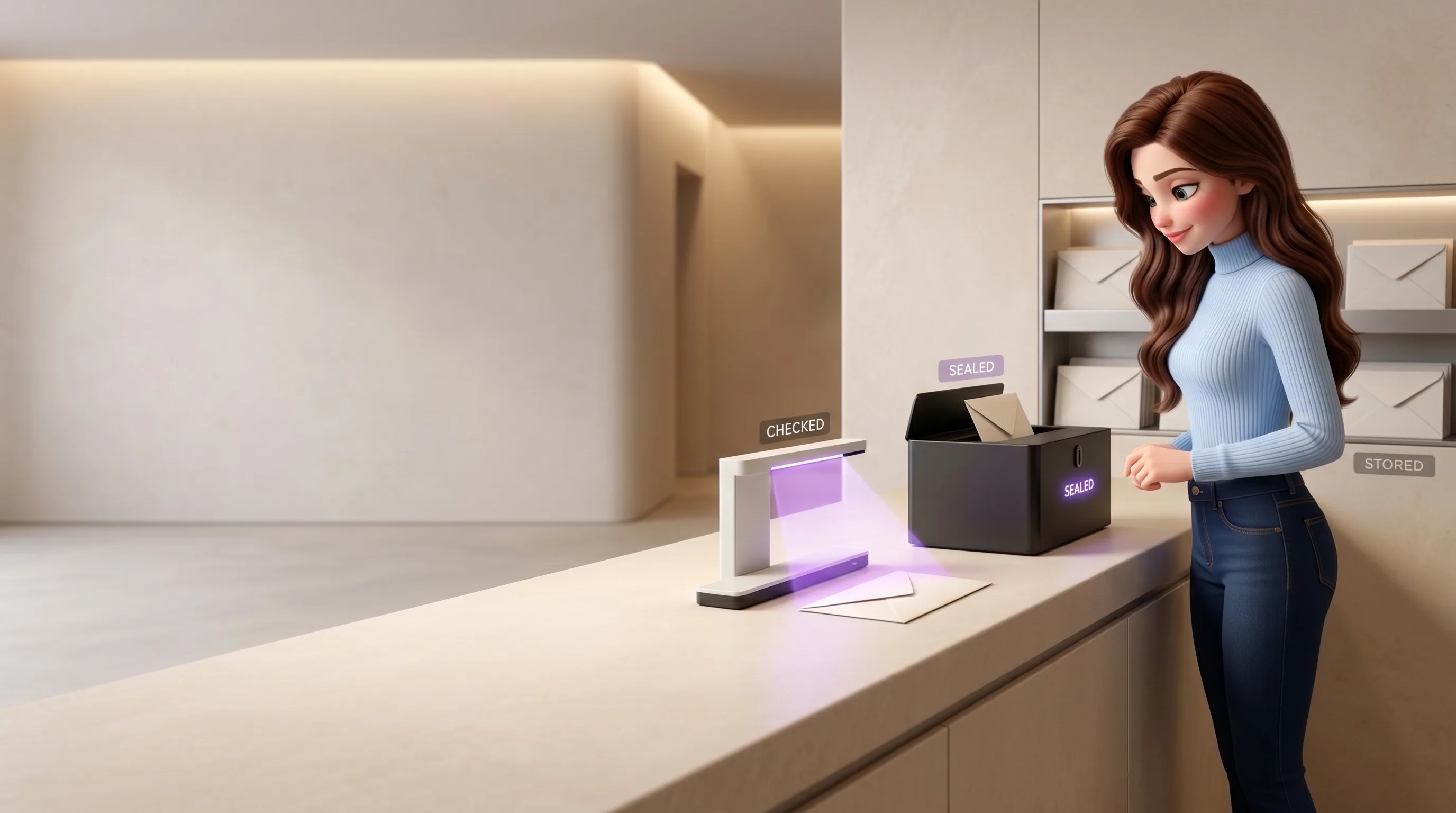
Antivirus, then encrypted storage, then indexed, in one transaction.
Before a single byte hits storage, it streams through antivirus. If it comes back infected, the file is never stored, the bytes never persisted. You get a clear note, not a stack trace. If it's clean, it goes to encrypted storage with AES-256 under a customer-managed key, partitioned by owner, in the same database transaction that updates your quota. Same file resent? SHA-256 dedup catches it. No duplicate object, no double-charge.

Words come out, get chunked, and become searchable memory.
After storage, Mari extracts text by file type: a real PDF parser for PDFs, a spreadsheet library for XLSX, the document XML for DOCX, raw text for TXT and CSV. For images and photos her vision model writes a caption. The extracted text is chunked, embedded into vectors and joins the same memory pool as every conversation you've ever had with her. So 'that PDF about the 2026 budget' is no longer just a file. It's part of her brain.

'That file Anya sent about pricing', and she pulls it up.
Three weeks later, in a totally different conversation, ask Mari about something the file talked about. She doesn't need the exact words. Semantic recall surfaces the right file from your whole history, ranks the relevant chunks, and answers from them, with the file linked so you can open it inline. Files share memory with every chat and every task, so 'what did Khalid say in his deck' joins seamlessly with 'what did Khalid say in WhatsApp'. One answer, both sources.

A voice note is just another message. She answers out loud, too.
Send Mari a voice note, she transcribes it through a speech-to-text model, treats the text as your message, and replies as she would to any other. Ask her to speak instead of type and her reply comes back as natural audio in her own designed voice, expressive, paced like a person. Not a synthesizer reading out hashes and field names. A voice meant to be listened to.

Browse and preview your files in the cabinet, no download needed.
Open the Files cabinet in your home dashboard. Every file shows a real preview thumbnail rendered server-side: a PDF first page, a Word document with formatting, a spreadsheet with its sheet tabs. Click any file and it opens inline: PDFs in the native browser viewer, Word docs rendered as styled HTML, spreadsheets as a real table with sheet switcher, images and video native. No 'download to preview' anywhere.
From dropped attachment to indexed, searchable, ready.
Every file you send Mari goes through the same eight steps. You only ever see the result, but every step is auditable, every gate is fail-closed.

It arrives
A file lands in any channel: Telegram bot, your connected Telegram, WhatsApp, or web upload. The adapter pulls bytes into memory.
Principal check
The sender must resolve to the owner. Non-owner files are politely refused. Files are an owner-only capability.
Quota gate
Inside a transaction with a row lock on your usage row, your current bytes-used is checked against your 1 GiB quota. Overflow gets a friendly 'over quota' message.
Antivirus, fail-closed
Bytes stream to the antivirus scanner. Clean → continue. Infected → never stored, logged. Scanner unreachable or error → fail-closed, never stored.
Encrypted storage
Stored in your owner-partitioned key in a customer-managed-key encrypted bucket. SHA-256 computed on the wire. Versioning on, public access fully blocked.
Row + quota update
Same transaction writes the file row with status ready, and adds the bytes to your storage usage counter. Atomic.
Text + vision, in background
Asynchronously: text extracted by type, chunked, embedded into the shared memory pool. Images get a vision caption. The next time you ask, she already knows what's inside.
Thumbnail rendered
A separate worker picks up the file, renders a 512 px PNG thumbnail through an imaging library for images, a PDF rasterizer for PDFs, or a converter for Office documents.
Six tools, called as needed inside a task.
Inside an autonomous task, when she needs to act on your files, she reaches for one of these. Every call is guarded by an owner-scope check so a file action can never run for the wrong person.
files_list
Paginated metadata over your whole library, filterable by kind, by sender, by date. Used when she's looking for the right file to act on.
files_get
Pulls a file's metadata plus a freshly-minted 15-minute download link for download or inline rendering. The link is single-use logic, never logged.
files_search
Semantic search across every file's content, scored by meaning. The same vector pool the agent uses for memory recall.
files_analyze
Loads the bytes and runs a vision or parse pass with a custom prompt. 'What does this contract say about termination?', and she answers from the actual document.
files_send
Sends a file back out through any channel: Telegram, WhatsApp, managed bot, via the short-lived download link streamed by the bot service. The bot token never leaves the bot service.
files_delete
Soft-deletes the row, decrements your quota in the same transaction, removes the stored object best-effort post-commit. The database is the source of truth.
The same file, delivered to wherever you need it next.
Once a file is in her memory, she can send it back out: to a contact in Telegram, to a customer on WhatsApp, to your own Google Drive. Large files travel as short-lived download links. Bot tokens stay isolated to the bot service.
- Telegram, with the short-lived download link passed in for files larger than 4 MB
- WhatsApp, with the same short-lived link as the media URL, mime inferred from the file kind
- Through a managed bot, where the download link is streamed via the Bot API, the bot token never reaches the gateway
- Google Drive via a least-privilege scope: she uploads to your Drive, never sees your other documents
The numbers, plain and uncosmetic.
No hand-waving. Here are the actual limits, models and crypto choices behind every file you send Mari.
Default, lifted on request
Customer-managed encryption key
Read-only, never logged
PNG, rendered server-side
Top-tier model, half-precision vectors
Never stored if the scanner fails or finds anything

Encryption, isolation and gates, built into the foundation.
Six invariants govern how Mari handles every file you send. They are short, fixed and audited, never up for debate.
- She never stores a file before it passes the antivirus scan
- She never hands raw storage credentials to any client, only short-lived download links
- She never mints a download link for a file that isn't yours
- She never deletes a file without your tap (and even then keeps a recoverable row)
- She never sends your file to anyone but the channel you point her at
- She never indexes a file into someone else's memory. Every byte is partitioned to your account at three layers: database isolation, storage key prefix, and an app-layer check
Files are part of everything else she does.
A file doesn't live alone. Follow any thread to see how files thread into her memory, her tasks, her chats.




Send her your first file. See it come back smarter.
Connect Mari in five minutes and try it with a PDF, a spreadsheet, or a voice note. Your first $10 in credits are on us, enough to send a real first wave of files.