
Your tools, one assistant. Marireaches for them all.
Gmail, Calendar, Drive, Sheets, Meet, Zoom. Connect once, and Mari uses the right one whenever a task needs it.

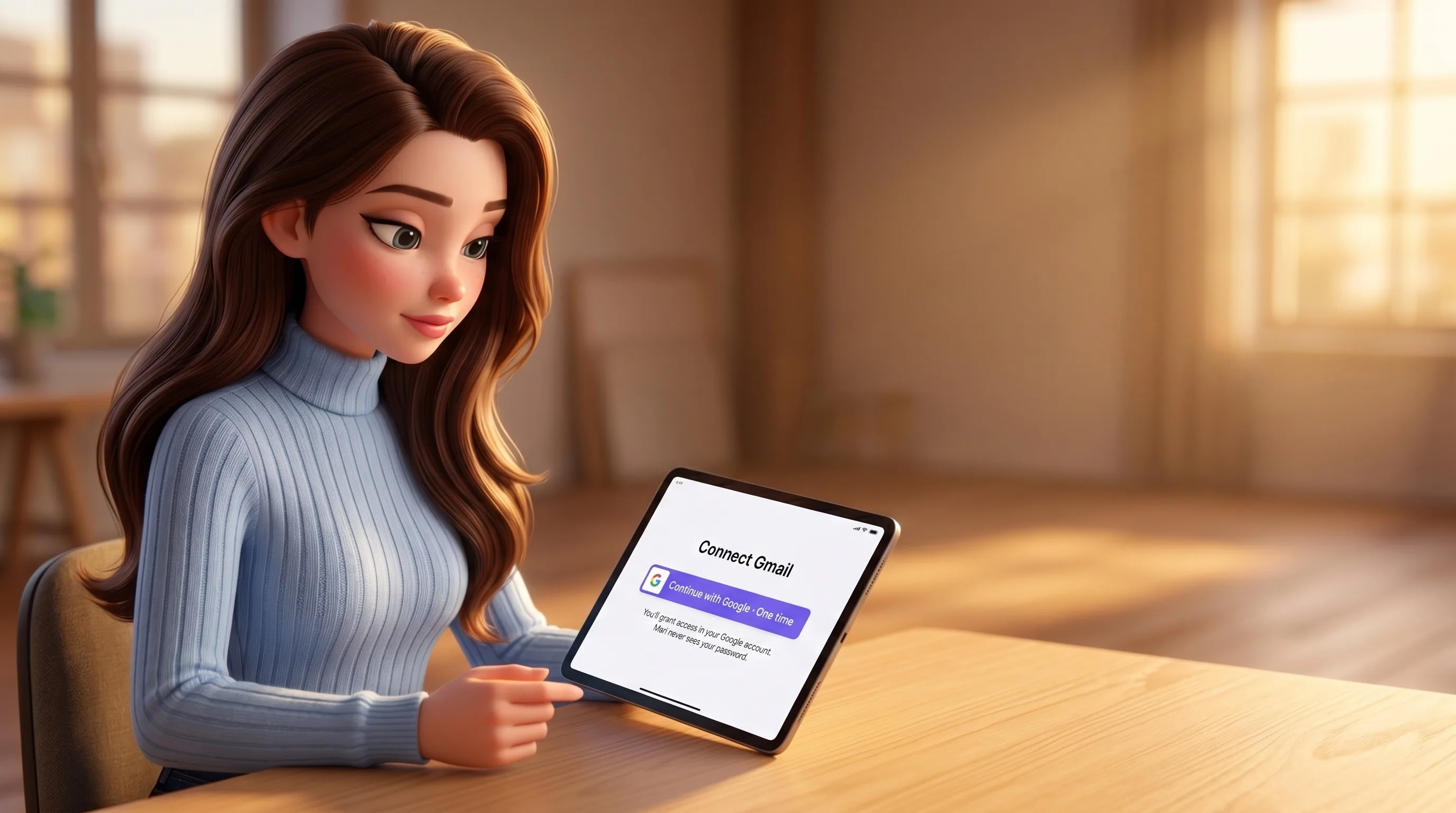
Tap once to link a service. Every future task is already authenticated.
Open her integrations page in your home dashboard, tap Connect on a service, finish the standard sign-in flow in your own account, you're done. From then on Mari uses that service inside whatever task needs it — no copy-pasted keys, no re-auth ritual, no permissions you didn't grant. One link, used everywhere.
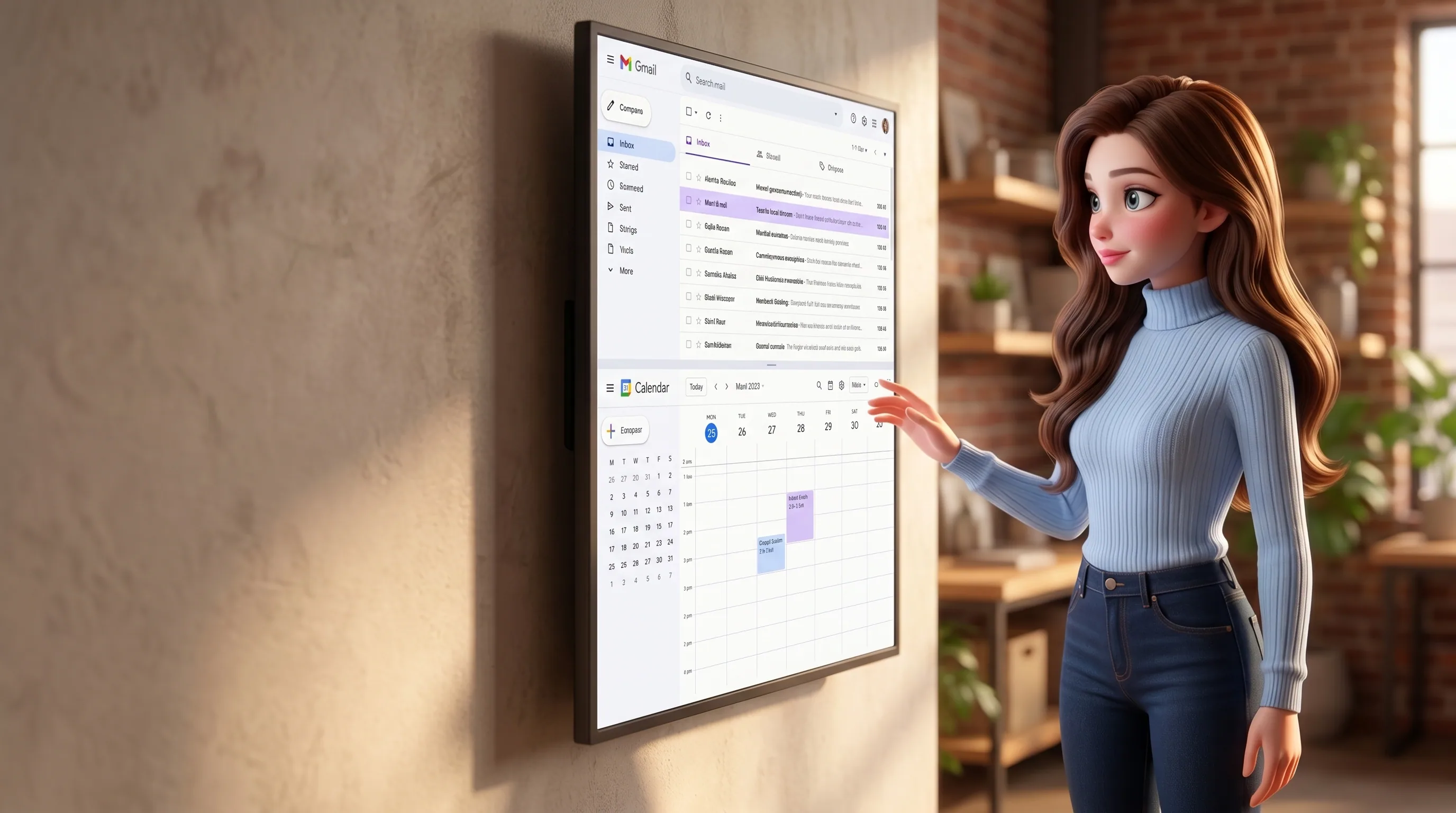
Read the inbox, draft the reply, find the slot, book the meeting.
Mari reads the threads she needs, drafts replies in your voice (held for your tap on anything sensitive), sends, files attachments to Drive. On Calendar she checks your availability, books slots in your free windows, moves events when reality changes, attaches the right video link. She works around your existing rules — working hours, focus blocks, who you'd never reschedule.
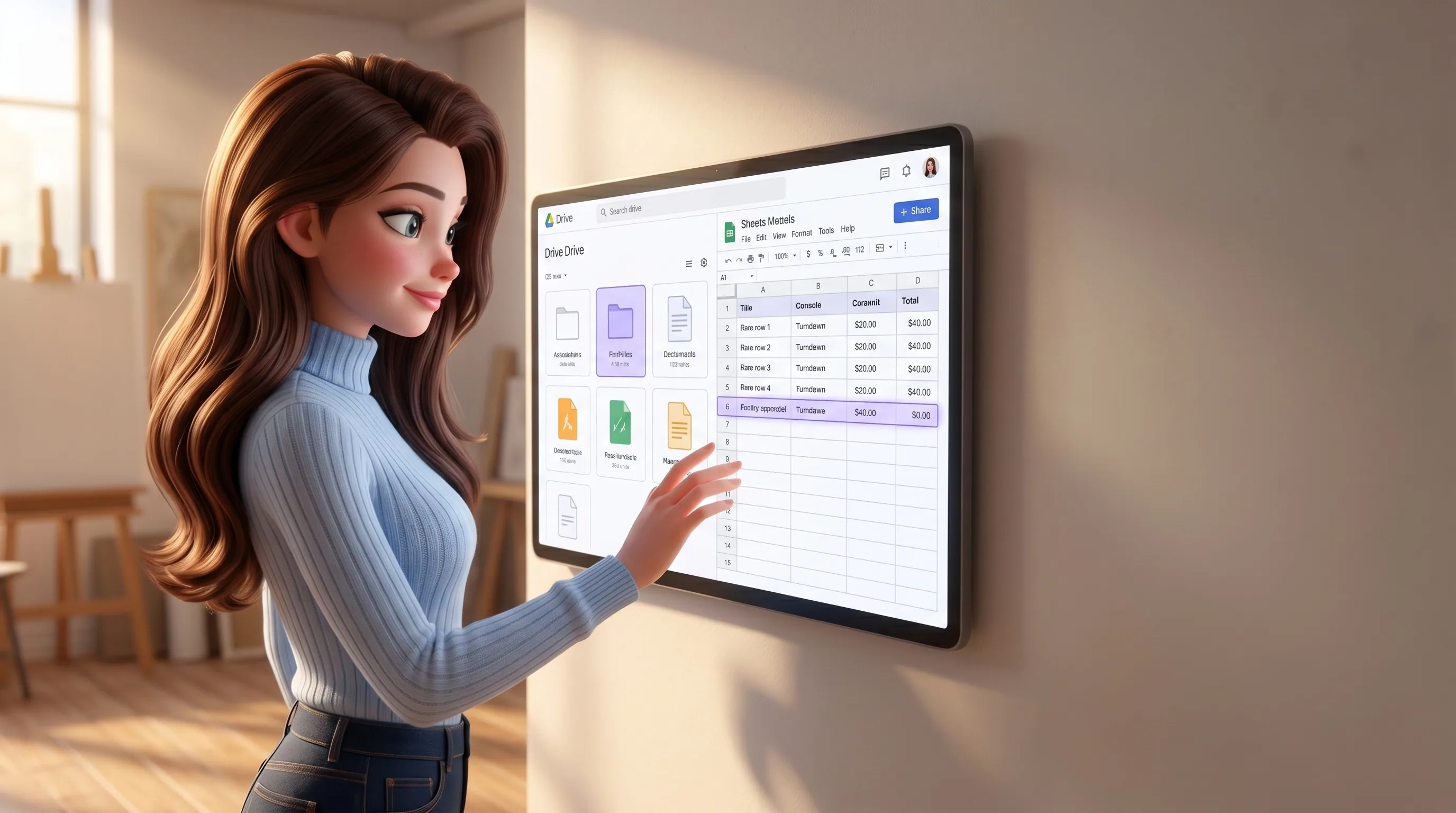
Find the file you mean. Keep the operating sheet alive.
Mari searches your Drive by meaning, not just by filename. She pulls a value out of a spreadsheet, appends a row when activity happens, updates the live operating sheet hourly with real data from your real work. The cap table reflects the SAFE that closed yesterday. The pipeline reflects this week's replies. She never invents a row.

Create the meeting, attach the link, send the invite, line up the day.
When a thread settles on a time, Mari creates the Zoom or Meet, attaches the right link to the calendar event, drops it in everyone's invite, and stacks it neatly around your day. Recurring strategy review, one-off interview, ad-hoc partner call — one shape, three options, your pick.
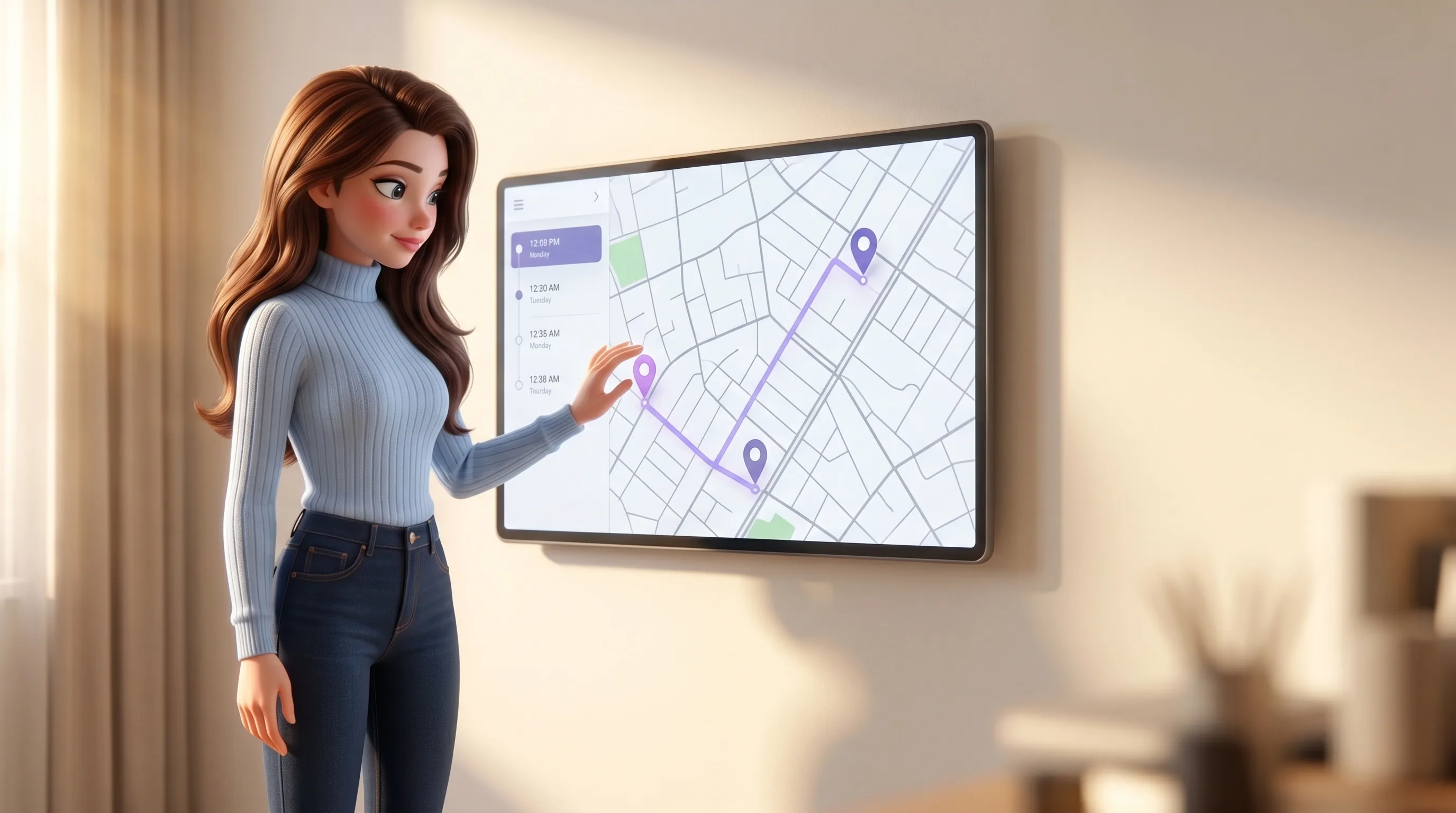
Find the place, get the route, line up six viewings in one Saturday.
When the work touches a physical place, Mari uses Maps the way you would. Find the address, compute the route, search nearby for a coffee that suits both schedules, geocode the building for a contract field. For an agent stacking viewings in Dubai traffic, this is the difference between a chaotic Saturday and one with twenty quiet minutes between each stop.

Mari only gets a handle. The real OAuth credential is held elsewhere.
When you link Gmail, your actual OAuth token is held by our integration broker, not by Mari. She works against a per-owner handle, makes the call, gets the result. The token itself never enters her model context, never lives in a chat, never sits in her memory pool. If your token expires, Mari quietly tells you with one tap to reconnect; if you ever want her out of an app, one tap revokes the whole link.
Six beats from the agent's intent to the audited call.
Every integration call Mari makes goes through the same six beats. The owner check happens before anything reaches the real service. The audit row happens after.
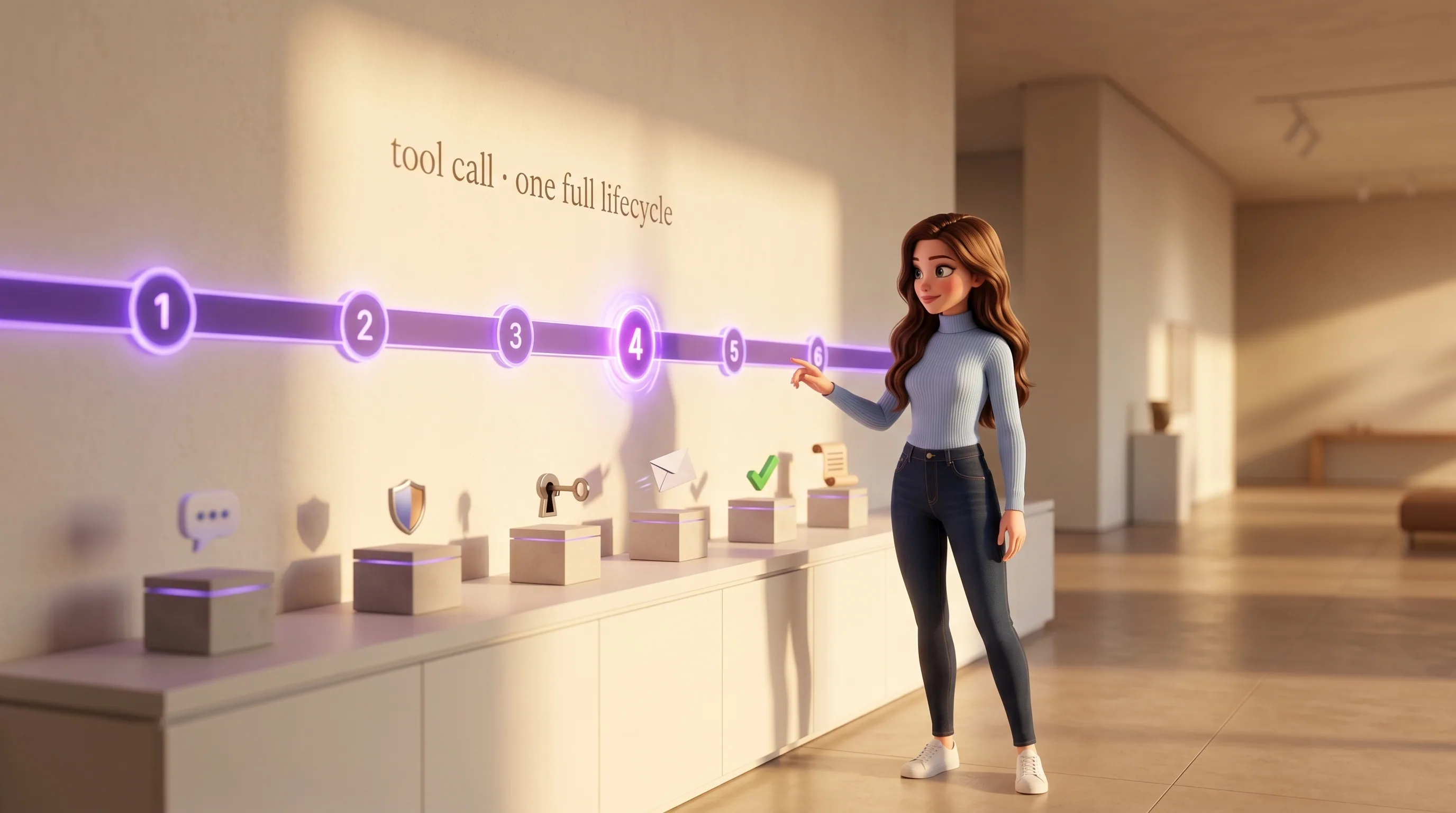
Tool call
Inside an autonomous task, the agent decides it needs a tool — send_gmail, create_calendar_event, append_spreadsheet_values, find_place, etc.
Owner-scope check
Every integration tool refuses to run unless the resolved session principal is the owner. A foreign chat can never trigger your Gmail.
Resolve toolkit
The call is routed to the right toolkit (Gmail, Calendar, Drive, Sheets, Meet, Zoom, Maps) and the right per-owner connection handle.
Broker executes
Our integration broker calls the real service using your linked account. The OAuth token never touches Mari's runtime or her model context.
Result returned
Email IDs, event IDs, file URLs, spreadsheet rows, map coordinates — the result lands back in the agent as structured data, ready for the next step.
Audited
Every tool call is logged with the owner, the tool, the inputs, the outcome. Open the audit log in your dashboard and rewind any call.
Eight integrations, one Connect button each.
Tap Connect on the integrations page in your home dashboard, finish the standard sign-in, and the service becomes part of every future task. More are shipping every month.
Gmail
Read threads, draft replies in your voice, send, search by meaning, archive, file attachments to Drive on the way through.
Google Calendar
Check your availability, book and move events, find shared slots, attach the right video link, respect your working hours.
Google Drive
Find files by meaning, file new docs to the right folder, share with the right people, rename stale-but-load-bearing files.

Google Sheets
Search across spreadsheets, pull values, append rows, look up rows by key, refresh the live operating sheet hourly.

Google Meet
Create a Meet, attach to a calendar event, send the invite, lift the meeting around the rest of your day.

Google Maps
Find places, compute routes between many stops, geocode addresses, search nearby for a venue that fits both schedules.

Zoom
Create a Zoom meeting, fetch the link, attach it to a calendar event, send the invite, stack it cleanly into your day.
DocuSign
Draft SOWs and NDAs from your template, send for signature, chase politely if a signature stalls past 48h, file the signed copy to Drive.

Notion
Capture decisions, briefs and per-contact notes into the team's knowledge base, with cross-references where they belong.

Slack
Read team threads, surface decisions, route context to the right teammate with the right tone, never spam channels.

The keys belong to you. She gets only the handle.
Six invariants on how she uses your linked accounts. They are short, fixed, and enforced in the tool runtime itself, not promised on a marketing page.
- She never sees your raw OAuth token — the broker holds it, she gets only a per-owner handle
- She never acts under another owner's identity — every tool call is owner-scope gated before it runs
- She never asks for scopes beyond what we declared up-front per service
- She never sends, moves or deletes anything sensitive in your name without your tap
- She never silently keeps a stale link alive — if the broker reports your token expired, she pings you with one tap to reconnect
- She never makes an integration call invisibly — every call is logged and rewindable from your dashboard
Integrations are how every other feature reaches the world.
Without them she's just talking. With them she's actually doing the job. Follow any thread.






Connect the first one. Hand her the rest of your stack.
Connect Mari in five minutes. Link one service, then watch every future task use it without another sign-in. Your first $10 in credits are on us.